LazPaint is a free and open-source cross-platform lightweight image editor with raster and vectorial layers created with Lazarus. The software aims at being simpler than GIMP, is an alternative to Paint.NET and is also similar to Paintbrush.
Rendering is done with antialiasing and gamma correction. It can read/write usual image formats and interoperate with other layered editors via OpenRaster format. It also imports Paint.NET files (with their layer structure) and Photoshop files (as flattened images). Also, it can import 3D objects in Wavefront (.obj) format. There are complex selection functions, various filters and rendering of textures.
Colorspace
Colors are stored in sRGB colorspace but drawing functions take into account gamma correction. There are many color manipulation functions such as shifting colors and colorizing. Since version 6, there is a curve adjustments function on RGBA channels and according to a corrected HSL colorspace. This correction takes into account the gamma factor and also perceived lightness according to the hue.
Vector shapes
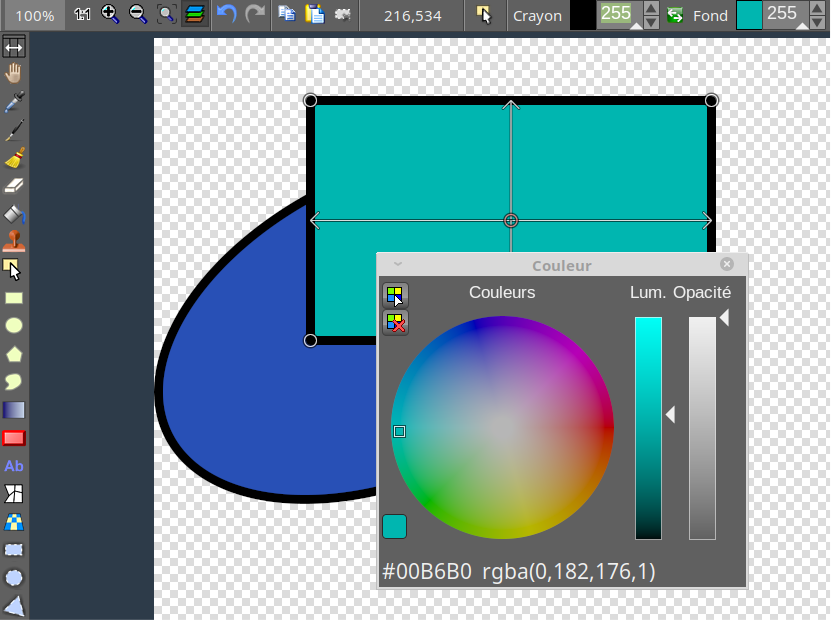
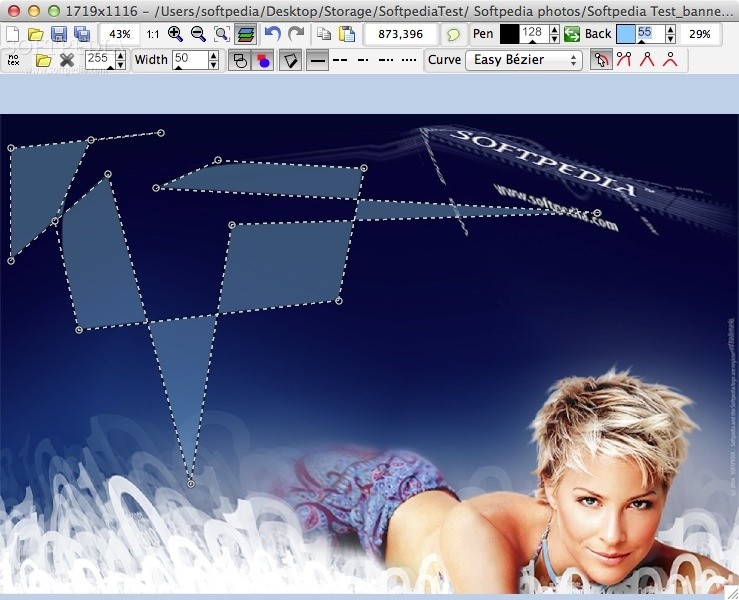
Since version 7, shapes are stored with vectorial information. Thus they are editable after they have been drawn and are rendered again in case of layer transform. Layers are converted when needed to raster or vector. If a tool like the pen is applied, the layer is rasterized and vectorial information becomes unavailable.
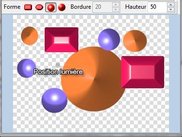
Filling can be a solid color, a gradient or a texture. It can apply to simple shapes, complex curves, text and shaded shapes.
Releases
Notes
References
External links
- LazPaint on SourceForge
- LazPaint on Facebook
- 2011 poll on linuxquestions.org (7th place out of 13 linux graphics application)
- Chip magazine in Russian mentioning version 6.0